
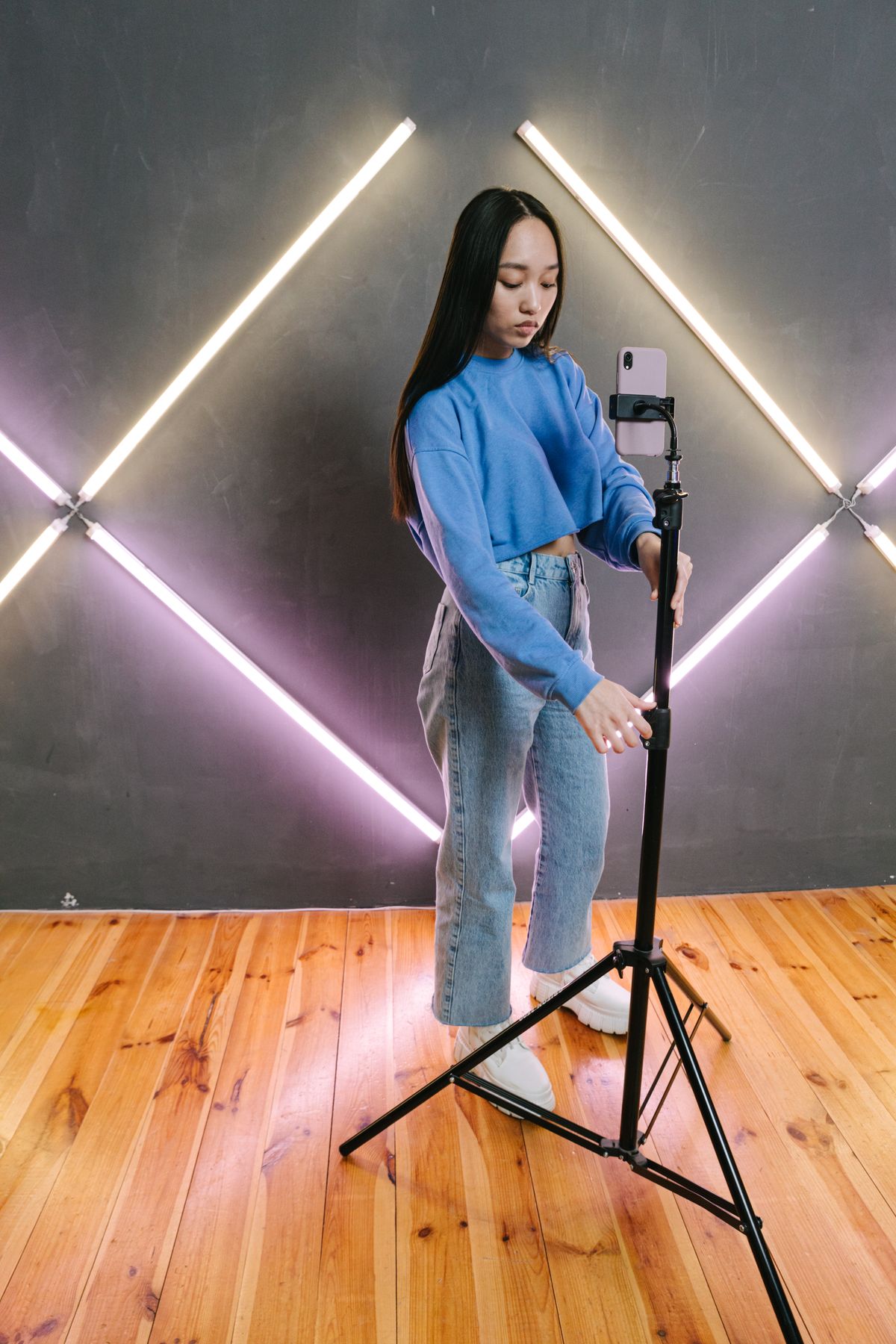
You've filmed a product clip, and now you're stuck on a question no one answers straight. Is 7 seconds too short to mean anything? Is 45 seconds too long for anyone to watch? You search for the ideal product video length, find five articles with five different numbers, and end up not posting at all.
That hesitation costs more than a slightly wrong runtime ever would. So here's a practical way to think about it, written for a small store that doesn't have a video team.
Why "the perfect video length" doesn't exist
Most advice treats length as a single magic number. In reality, there are two separate questions mixed together: how long the platform lets you go, and how long your particular video can hold attention.
On the first question, the limits have stretched. Instagram Reels, TikTok and YouTube Shorts all accept clips well beyond a minute now, so the platform is almost never what stops you. The second question is the one that matters. A video isn't too long because of a rule. It's too long when the viewer has seen everything they came for and you're still talking.
The goal for a product video is simple: show the thing, show why someone would want it, and stop. For most products, that takes less time than you'd expect.
Length ranges that work for most small stores
These aren't laws. They're sensible starting points based on what a single product usually needs to show.
- 7 to 15 seconds: One product, one idea. A ceramic mug being filled, a jacket zipping up, a skincare bottle being pumped. This is the sweet spot for Reels, TikTok and Shorts because the clip can loop and people often watch it twice.
- 15 to 30 seconds: Use this when the product needs a little explaining, like a bundle, a size comparison or a before and after. It's long enough for three or four short shots.
- 30 to 60 seconds: Worth it only when you're doing something genuinely useful, such as showing how to assemble a planter or three ways to wear one scarf. If you can't name what the viewer learns in the last 20 seconds, trim them.
- Over a minute: Reserve this for YouTube, where people go looking for how-to and detail. A full unboxing or a styling guide can live there, and a short cut of it can go everywhere else.
If you're unsure, go shorter. A 10 second video that people finish usually does more for you than a 40 second one they leave halfway through.
The first three seconds matter more than the total
Length gets the attention, but the opening decides whether anyone stays. People scroll fast, so the product should appear straight away, not after a logo animation or a slow intro. Start on the most interesting moment: the pour, the reveal, the finished result.
Put the name or a short hook on screen early, in plain text. Many people watch with the sound off, so a clip that only makes sense with audio is working against you. A caption like "Handmade soy candle, 40 hour burn" does more in two seconds than a spoken introduction does in ten.
How length differs by platform, in practice
Since the same clip can go to several places, it helps to know where length tends to matter most.
- Instagram Reels and TikTok: Short and fast wins. Aim for 7 to 20 seconds for most products. Our guide to creating product videos for TikTok and Instagram Reels covers the shots to include.
- YouTube Shorts: Similar to Reels, though people arrive from search more often, so a clear title and a slightly more informative 20 to 40 seconds can work well. We've written about YouTube Shorts for ecommerce if you want the details.
- Facebook: Short clips do fine, and the audience often skews a little older and more patient. A 15 to 30 second clip with captions is a safe choice.
- Pinterest: People are planning and saving, not scrolling for entertainment, so a calm 10 to 20 second clip that shows the product clearly tends to suit it.
You don't need five different edits. One tight 15 to 20 second video works acceptably almost everywhere, which is the idea behind turning one product video into five platforms' worth of content.
"A product video is the right length when the viewer knows what it is, what it does and why they might want it. Everything after that is just waiting."
A quick checklist before you hit post
Run each clip through these before you worry about the runtime:
- Does the product show up in the first second or two? If not, cut the intro.
- Could a stranger describe the product after watching with the sound off? If not, add a short text label.
- Is there a shot that adds nothing? A second angle of the same thing usually can go.
- Does it end cleanly? A final shot of the finished product or the price is better than a clip that trails off.
- Is the caption doing its job? One clear line, a link or call to action, and no more than five hashtags. You can check the count with the free hashtag counter.
If a video passes all five, post it. The extra three seconds you're agonizing over won't be what decides whether it works.
The real bottleneck is making enough videos
Here's the part the length advice skips. Even when you know the right runtime, you still need to make a video for every product, on a regular schedule, across several platforms. If you have 60 products, that's a lot of editing and posting for someone who's also packing orders and answering emails. That's usually why accounts go quiet, not because the clips were the wrong length.
VidyBack handles that repetitive part. It turns the products already in your Shopify, Jumpseller, Wix, Etsy or Ecwid store into short product videos and images, and on the Pro plan ($14.99/month) it schedules and posts them to Instagram, TikTok, Facebook, YouTube and Pinterest. There's also a free plan if you want to try the templates first, and a 7-day free trial if you'd like to see the Pro features before deciding.
So pick a range, 10 to 20 seconds is a safe one, and aim to publish a few times a week. A steady stream of short, clear product clips will do more for your store than hunting for the perfect number.
Let Your Product Videos Post Themselves
VidyBack turns your product catalog into videos and posts them at the times you choose, across Instagram, TikTok, Facebook, YouTube and Pinterest.
Try VidyBack FreeWritten by VidyBack Team
Sharing what actually works for ecommerce social media automation.