
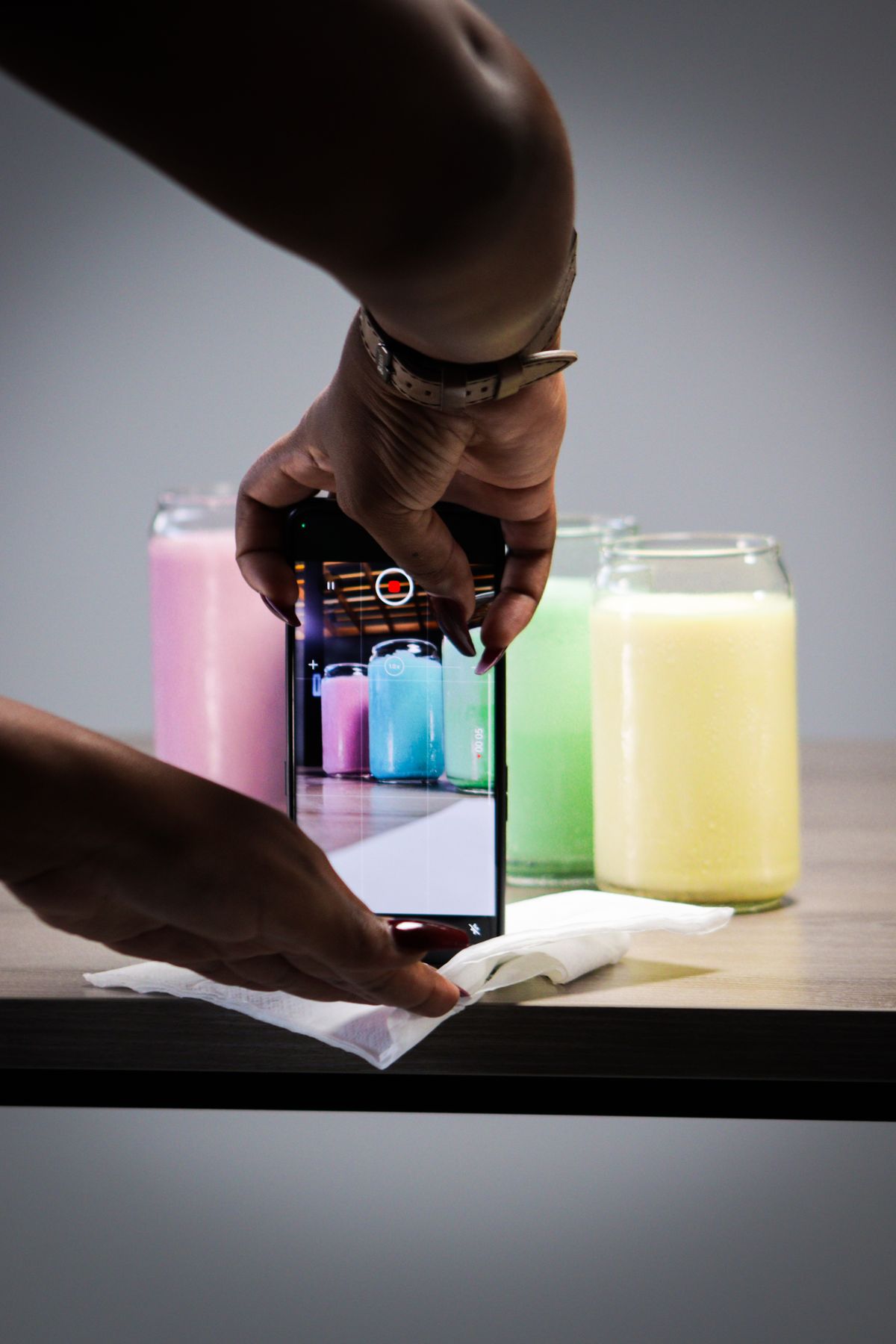
You post a new product photo, and then you stall on the hashtags. One article told you to use 30. Another said three. A third said hashtags don't matter anymore. You end up pasting the same block of 25 tags from last week's post, feeling vaguely like you're doing it wrong, and hitting publish anyway.
If you've ever wondered how many hashtags to use on Instagram for a small online store, you're in good company. The advice online is old, contradictory, and mostly written for influencers, not for someone listing candles or leather wallets between packing orders.
The Misconception: More Hashtags Means More Reach
Years ago, stuffing a post with 30 hashtags was standard advice, because hashtag pages were one of the main ways people found new accounts. Instagram has changed a lot since then. Search now leans heavily on the words in your caption, your profile name, and the content of the post itself. Hashtags still help Instagram understand what a post is about, but a wall of them doesn't give you extra pull.
Instagram's own guidance has moved toward using a small number of relevant tags rather than a long list. That's the part most old advice misses. A long block of loosely related tags can actually muddy the signal, because the post suddenly seems to be about twelve different things.
So, How Many Hashtags Should You Use?
For a small ecommerce store, a good working range is three to five hashtags per post. Not ten, not thirty. Five at most.
Here's why that range holds up in practice:
- It forces relevance. When you only get five slots, you stop adding filler like #love or #instagood and choose tags that describe the product.
- It keeps captions readable. Customers see your caption on a phone. A three-line paragraph of hashtags looks like spam and pushes your actual message out of view.
- It's repeatable. You can write five tags in under a minute, which means you'll actually do it on every post instead of skipping it when you're tired.
How to Pick Five That Actually Fit a Product
Think in layers rather than a random pile. A simple mix looks like this:
- One broad category tag. For a soy candle shop, that might be #soycandles. It tells Instagram the general area.
- One or two specific product tags. Something like #lavendercandle or #giftcandle, describing exactly what's in the photo.
- One niche or buyer-intent tag. Something a shopper would actually search, such as #housewarminggift or #cozyhomedecor.
- One local or brand tag. A city, a region, or your shop name, like #smallbatchtoronto or #yourshopname. This is useful when you ship locally or want a tag that collects your own posts.
Notice what's missing: giant generic tags with hundreds of millions of posts. Your photo lands in a flood and disappears. A tag with a few hundred thousand posts that matches your product closely is a better home for it.
Where to Put Them and How to Avoid Common Slip-Ups
Placement matters less than people think. Putting them at the end of the caption, or as the first comment, both work. What matters more is that the caption itself reads like something a person wrote. Mention what the product is, who it's for, and what to do next. The hashtags are a label, not the message.
A few slip-ups worth avoiding:
- Copy-pasting the same block on every post. A candle tag block on a photo of a ceramic mug just confuses things. Change at least a couple of tags per product.
- Using banned or spammy tags. Some tags get restricted, and a post tagged with one can be hidden from hashtag pages. If a tag looks odd or unrelated to shopping, skip it.
- Misspelling or running words together badly. #handmadejewelry is fine. A long string with no clear words is hard to read, and screen readers struggle with it too. Capitalize each word, like #HandmadeJewelry, to keep it readable.
- Treating TikTok and Instagram the same. TikTok leans more on keywords in the caption and on-screen text, so a smaller set of tags is plenty there too.
A Quick Way to Check Your Count
If you tend to lose track while editing a caption, run it through our free Hashtag Counter. Paste in your draft and it tells you how many tags you've used, so you can trim back to five before you post. It takes a few seconds and saves you from the 28-tag habit creeping back in.
Why Consistency Beats a Perfect Tag List
It's tempting to spend twenty minutes researching tags for one post. For a store posting a few times a week, that adds up fast, and the payoff from perfect tags is small compared to the payoff from simply showing up regularly. A good-enough set of five tags on a post that actually goes out beats a perfect set on a post that never gets published because you ran out of time.
"A good-enough set of five tags on a post that goes out beats a perfect set on a post that never gets published."
That's really the tedious part of all this: every product needs a photo or video, a caption, a handful of sensible tags, and a time to post it, on several platforms. None of it is hard. It's just repetitive, and it piles up the moment you add new products.
VidyBack takes that repetition off your plate. It connects to Shopify, Jumpseller, Wix, Etsy, or Ecwid, turns your product catalog into videos and images, writes the captions, and schedules posts to Instagram, TikTok, Facebook, YouTube, and Pinterest. You set the schedule once, and keep your own attention on the products and the customers. There's a 7-day free trial if you'd like to see how it fits your store.
Until then, keep it to five relevant hashtags, write a caption that sounds like you, and move on with your day.
Stop Retyping Captions and Hashtags
VidyBack turns your product catalog into videos and images, writes the captions, and schedules posts across Instagram, TikTok, Facebook, YouTube and Pinterest.
Try VidyBack FreeWritten by VidyBack Team
Sharing what actually works for ecommerce social media automation.