
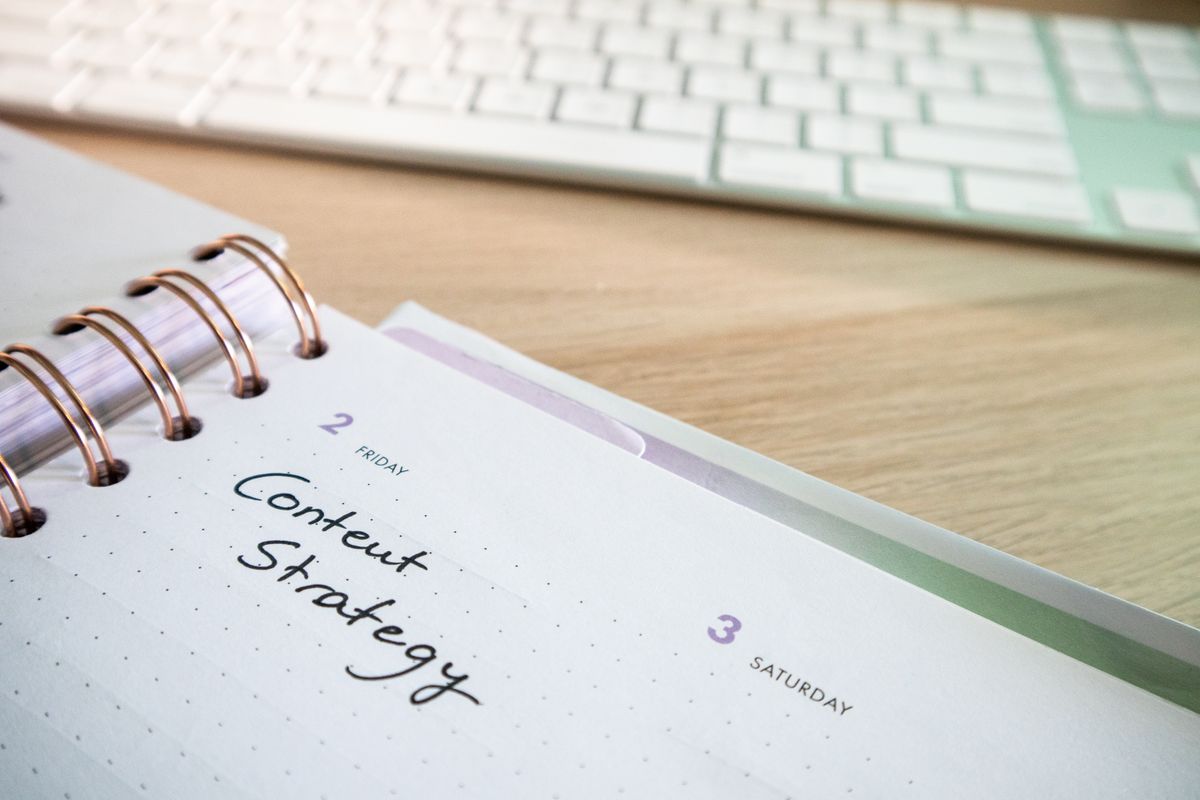
A content calendar is the difference between posting randomly and posting with strategy. It's the single best tool for staying consistent, organizing your ideas, and making sure your social media is actually driving sales.
But most ecommerce store owners skip it. They think content calendars are only for big brands with social media teams. The truth? A calendar is most useful when you're running lean and need to stay organized.
Why Do You Actually Need a Content Calendar?
Three reasons:
- Consistency: You post on schedule, every time. The algorithm loves this.
- Planning: You know what's going out and when. No last-minute scrambling.
- Performance tracking: You can see which types of posts get engagement and plan more of them.
Stores using content calendars see 2-3x better posting consistency than those who don't. And consistency is one of the top three ranking factors on social platforms.
What Should Your Content Calendar Include?
At minimum:
- Date and time: When the post goes live
- Platform: Instagram? TikTok? Both?
- Content type: Video, photo, carousel, Reel, etc.
- Post copy: Exact caption or description
- Hashtags: The full set you'll use
- CTA: What you want people to do (link in bio, DM, etc.)
- Performance notes: After posting, track likes, comments, saves, clicks
What's the Best Mix of Content Types?
Don't just post products. People follow for a mix. Here's the breakdown that works:
- 40% Product content: Videos, photos, Reels showing what you sell
- 30% Educational: Tips, how-tos, behind-the-scenes, industry insights
- 20% Community: User-generated content, customer stories, testimonials
- 10% Promotional: Sales, discounts, limited-time offers
"A feed that's 100% product posts looks like a catalog. A feed with variety looks like a brand worth following. Variety gets saves. Saves get visibility."
What Are the Best Times to Post?
This varies slightly by platform, but here's the general rule:
- Instagram: 11 AM - 1 PM and 7 PM - 9 PM (your audience's timezone)
- TikTok: 6 AM - 10 AM and 7 PM - 11 PM
- Facebook: 1 PM - 3 PM weekdays
But the real answer is: check your Insights. Most platforms show you when your followers are online. Use that data.
How Far Ahead Should You Plan?
Ideally, 4 weeks. That gives you time to film, edit, batch-schedule, and adjust based on what's working. In reality, 2 weeks is the minimum. If you're only planning a few days out, you're probably posting reactively rather than strategically.
Should You Batch Create Your Content?
Yes. Set aside one day a month (or week) to create all your content for the next 4 weeks. Batch creation is way more efficient than creating daily. You get in the zone, you have all your props/products ready, and you're not scrambling every morning.
If batch creation sounds exhausting, that's because it is. Which is why a lot of stores use tools to auto-generate content from their product catalog instead of manually filming everything.
How Should You Actually Build Your Calendar?
Option 1: Spreadsheet
Simple, free, works. Create columns for Date, Platform, Content Type, Copy, Hashtags, Performance. Down side: you have to manually post everything.
Option 2: Social Media Scheduling Tool
Buffer, Later, Hootsuite, Meta Business Suite. These let you schedule posts ahead of time and they automatically go live. Better. Down side: costs money, still requires you to create the content.
Option 3: AI Content Generation
Tools like VidyBack pull your product catalog and auto-generate video content. You fill the calendar with AI-generated posts, approve them, and they auto-post on schedule. Fastest option, but requires a tool.
"The winning move isn't picking the fanciest tool. It's picking whatever you'll actually use consistently. A spreadsheet beats a fancy tool you abandon after two weeks."
What Do You Do After You Post?
Track three things:
- Engagement rate: Likes, comments, shares, saves
- Click-through rate: How many people clicked your link
- Conversions: How many clicks turned into sales
Identify patterns. Which content types get the most saves? Which CTAs drive the most clicks? Build more of what works.
Stop Scrambling for Content Ideas
Let AI generate your entire content calendar automatically. Then schedule it once and watch it post for weeks.
Try Free for 14 Days